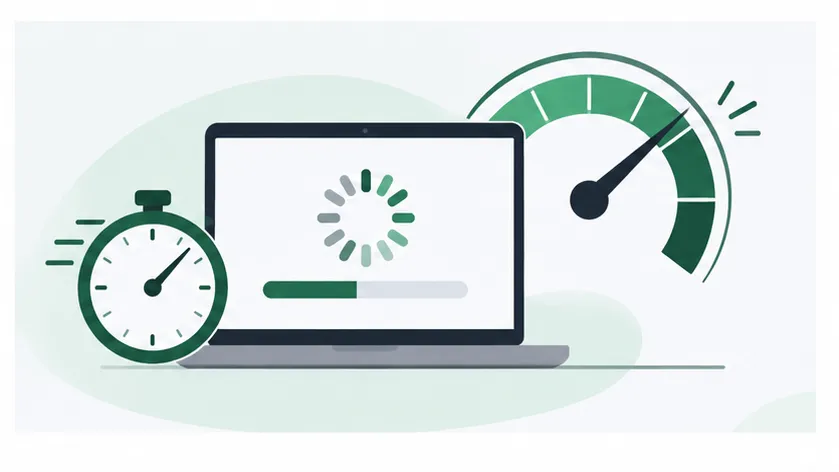
Nobody likes waiting for a page to open. If your website takes too long, most people will not wait. They will go back and click another result.
The tricky part is that you may not notice. Your own site feels fine to you because your phone has already saved parts of it. A new visitor on a slow network sees something different.
How to check
- Open your website on your phone. Turn off Wi-Fi and use mobile data.
- Count how long it takes before you can read the page.
- Run a free test. You can use the free analyzer on this site to get a report in a few seconds.
If the page takes more than a few seconds to show up, it is slow.
What usually slows a website down
- Large images. A photo straight from a phone camera can be very big. Making it smaller often looks the same, but the page loads much faster.
- Too many plugins or add-ons. Each one adds extra code. Many sites keep plugins they no longer use.
- Too many fonts, videos or pop-ups. They all need to load before the page feels ready.
- Cheap or slow hosting. If the server is slow, the website is slow, even when everything else is fine.
What you can do
Start with the easy things. Make your images smaller. Remove plugins you do not use. Take off anything that is not helping your visitors.
If that is not enough, the problem may be deeper in the way the site was built. That is the time to ask someone to look at it.
If you want help, you are welcome to contact me. Tell me about your website and I will take a look.